A quick tour of your dashboard
Find your way around the MediaSFU developer dashboard: the overview, minutes per environment, room defaults, page groups, search and help.
Transcript
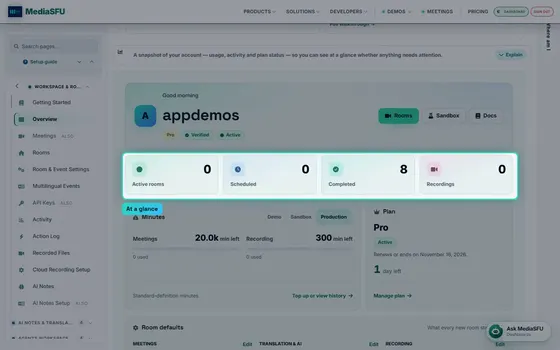
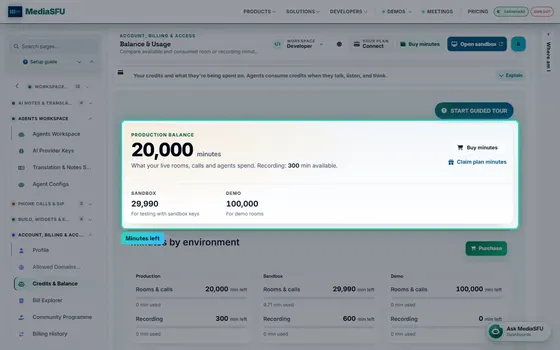
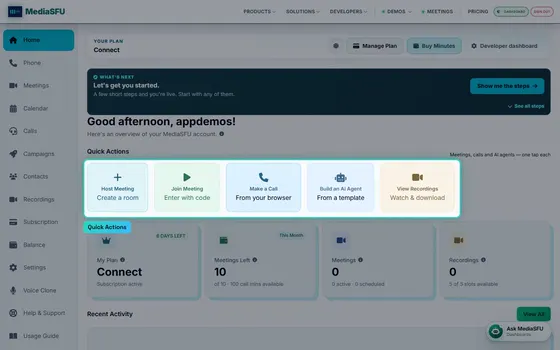
This is your MediaSFU dashboard. Rooms, calls, agents and billing all live here. The overview starts with what matters right now: live rooms, scheduled meetings, finished sessions and recordings. Next to it, the minutes left in each environment. Demo, sandbox and production each have their own balance, so testing never spends your live minutes.
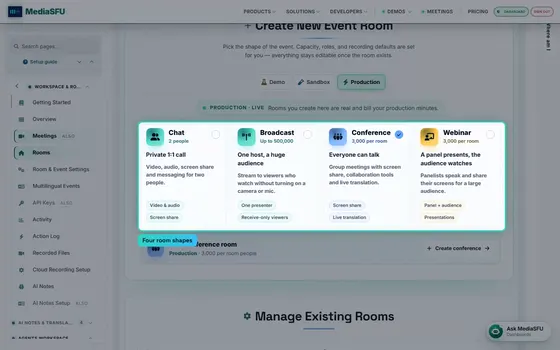
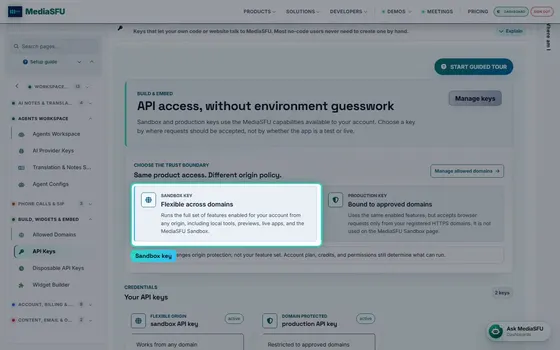
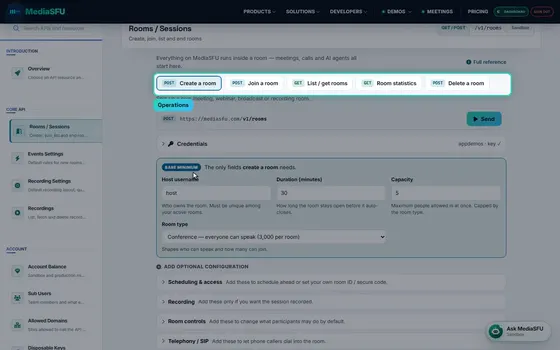
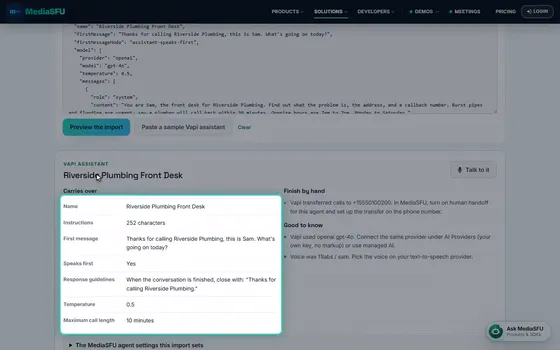
Room defaults are what every new room starts with: video quality, translation, AI notes and recording. Set them once, edit them any time. Below that: your API keys, allowed domains, support tickets and hourly limits, each one click from its own page.
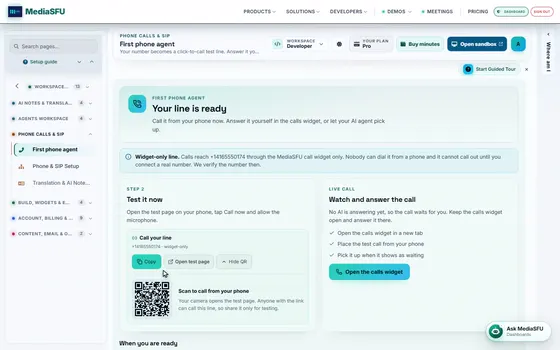
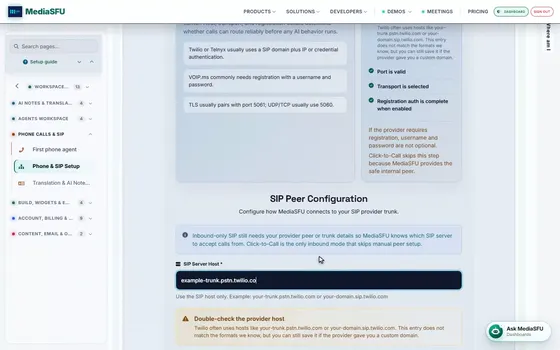
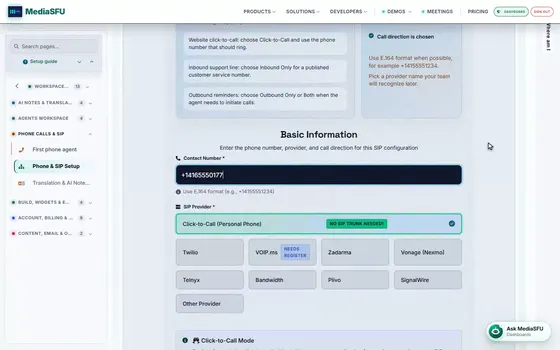
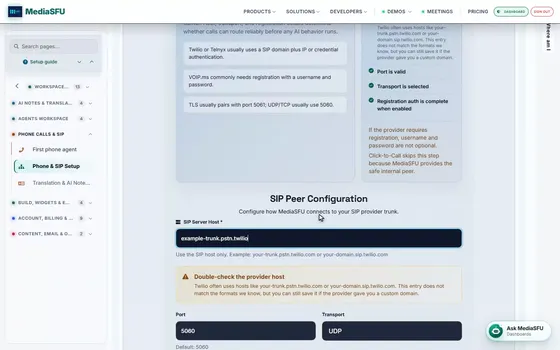
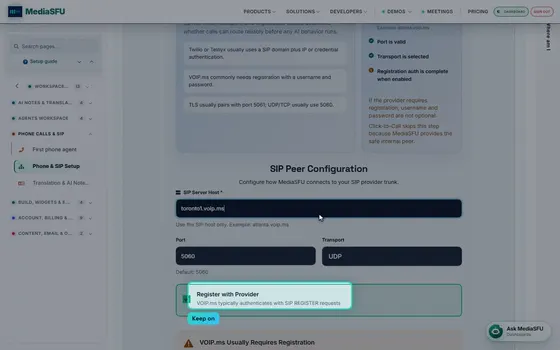
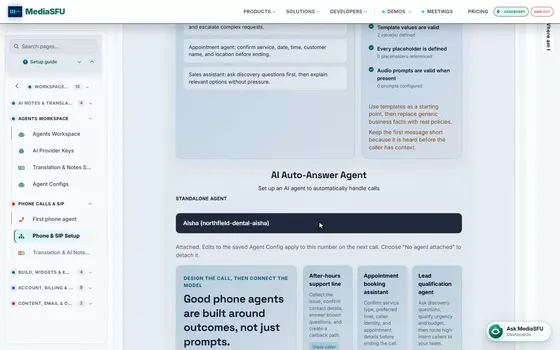
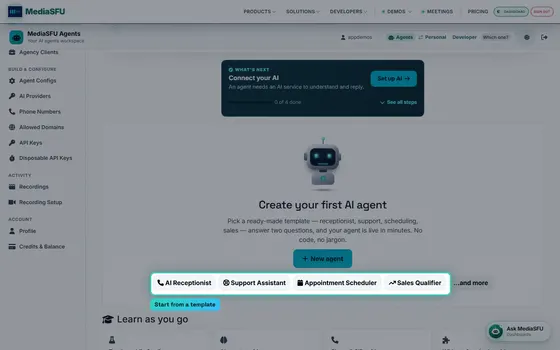
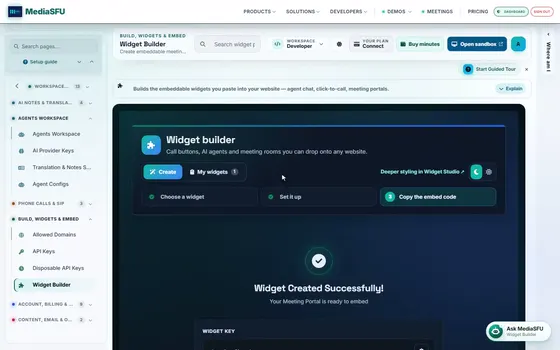
On the left, every page is grouped by job: rooms, AI notes and translation, agents, phone calls, widgets, billing and content. Or skip the menu and search. Pick a result and you're there.
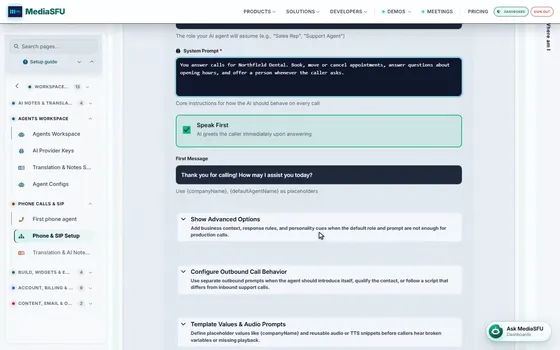
Every page has a guided tour that walks you through it. And Ask MediaSFU answers questions about the dashboard right on the page. That's the dashboard. Next up: create a room, or grab your API keys.