Secure Telehealth with AI Intake and Translation
Telemedicine workflows for multilingual patient care
Deliver secure telehealth visits with AI intake, scheduling support, recording, and multilingual communication workflows.
A private consultation room, open now
Two people, one invite link, remote-first video and a draggable self-view. No install, nothing kept.
The Challenge
Patients need convenient care access. Security is critical. Language barriers cause misdiagnosis. Staff spends too much time on scheduling and intake.
Our Solution
MediaSFU provides secure telehealth infrastructure. E2EE protects patient data. AI agents handle intake and scheduling. Real-time translation serves diverse populations.
Key Capabilities
HD Video Visits
Crystal-clear video quality for accurate assessments. Adaptive bitrate handles varying patient connectivity.
Secure Infrastructure
End-to-end encryption, audit logs for all sessions. Patient data stays protected.
AI Intake Bots
Voice bots collect symptoms, verify insurance, and prepare visit notes before the provider joins.
Medical Interpretation
Real-time translation in 50+ languages. Specialized for medical terminology accuracy.
Scheduling Integration
Integrate with EHR/EMR systems. Patients book directly, receive reminders, join with one click.
Visit Documentation
Automatic recording with AI transcription. SOAP note suggestions based on conversation.
Powered By
This solution uses the following MediaSFU products
Try the Working Pieces
Open the closest live surface first. Each path below runs today and shows a specific part of this solution.
AI intake, live
Intake by AI, with a person in the loop
Ask as the patient on one side; watch the operator side, where staff can co-pilot or take over at any moment.
Try it now
Ask as the customer. Watch the operator side.
Type what a customer would really send — "where is my order?" — then watch it land on the dashboard beside it.
Runs in this browser. Nothing is created until you press start.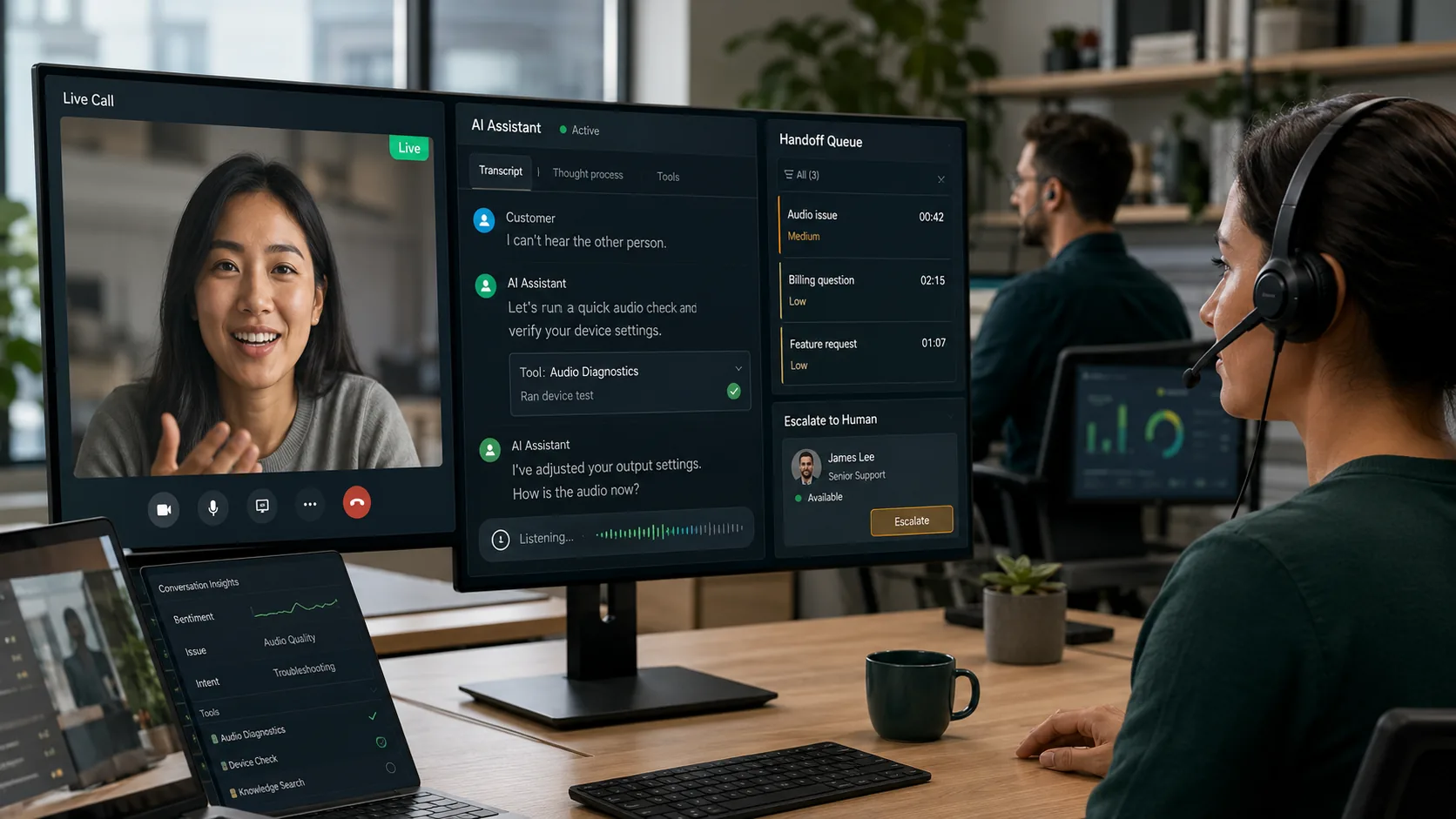
- 1Support is ready for the customer
- 2Customer asks a question
- 3Operator dashboard opens on the same session
- 4Operator responds, co-pilots, or takes over
Why Choose This Solution?
Ready to test a care workflow?
Start with consult demos or intake widgets, then configure the workflow that fits your care model.