People, phones and AI agents, in one room.
Global, scalable WebRTC for real-time products, at a fraction of the cost. Use the ready-made apps, embed a widget, or build your own with open-source SDKs.
- 50,000 free minutes, never expire
- No credit card
Your interface. Your AI providers. Cloud or self-hosted.
From a private call
to a global audience.
- 3,000interactive participantsPer room, more on large rooms
- 500K+real-time viewersNo delay. HLS for more
- 50+languagesLive audio translation
Tap any device, server or path to see what it does. Start a call to see your own path.
 Remote inspectionEvidence package sealed
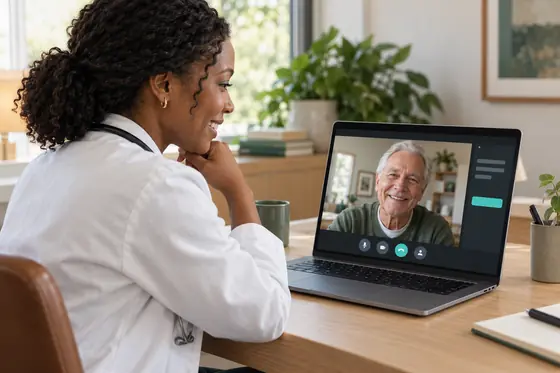 Telehealth consultsPatient admitted · notes drafting
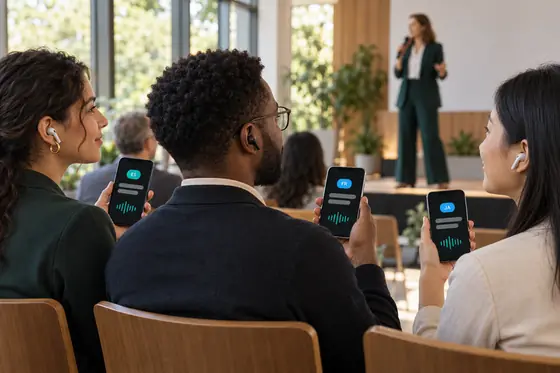 Multilingual eventsOne talk, heard in ES · FR · JA
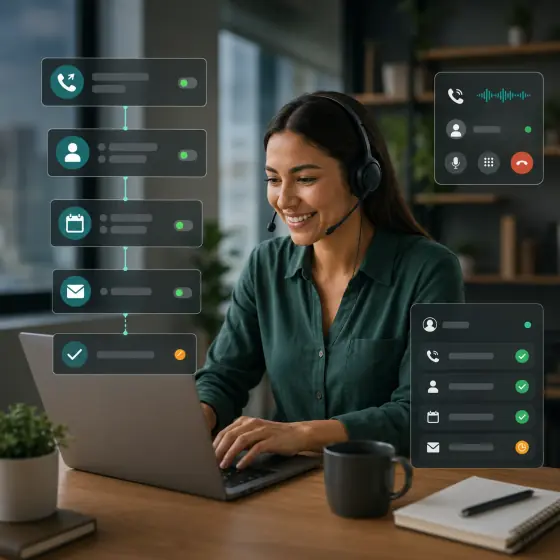 Agency phone agentsCall summary sent to your CRM
 Video KYC frameworkID and face, on one recorded call
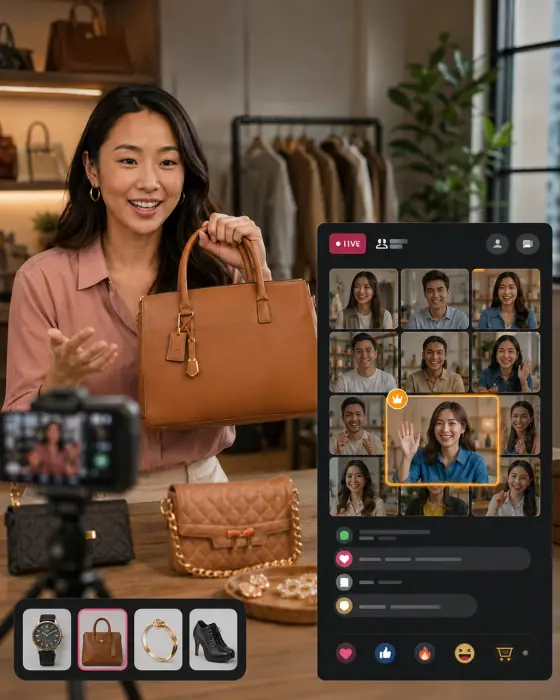 Live auctionNew bid: $425
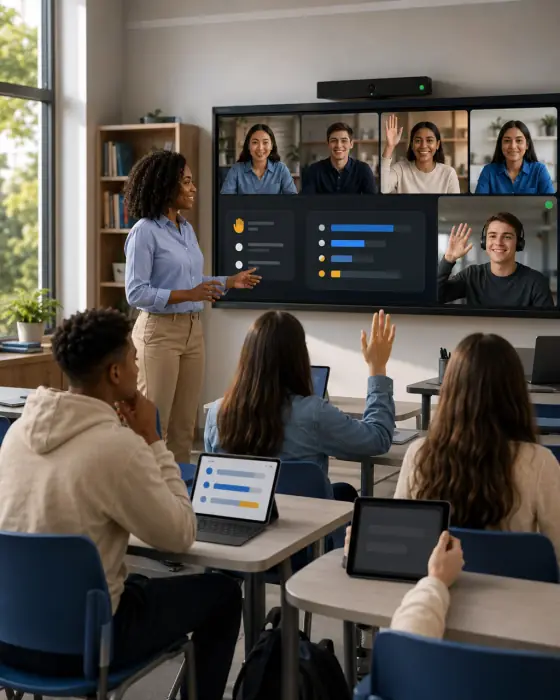 Interactive classroomPoll open · answers arriving
 Broadcast control roomGuest cut to program
Proof you can check
- Uptime, last 7 daysLive on the status pageSystem status
- Open-source installs, last monthPublished on npm and pub.devSDKs plus our mediasoup client, which works with any mediasoup servernpmpub.dev
- Backed by99.99% uptime SLAPeople on email, WhatsApp and the forums · support@mediasfu.com
- Runs where your users areWeb, iOS, Android, Windows, Mac and LinuxSDKs for React, Vue, Angular, React Native, Expo, Flutter, Swift, Kotlin and Unity
Six products, one account.
Agents on your phone lines and your site, campaigns that call your list, meetings that take notes and events in every language. Most open a live demo.
Phone agents
An AI agent answers your number, books the appointment and hands over to a person mid-call.
- Inbound and outbound
- Live transcript
- Agency workspaces
Click-to-call and widgets
Turn your site into a phone line: visitors tap to call, your AI or team answers, and no carrier minutes.
- Your business number, no SIP trunk
- AI answers or hands to your team
- Meeting and agent widgets too
Campaigns
Call your whole list. An AI agent handles every conversation, at the pace and in the hours you set.
- Time-zone aware schedules
- Outcomes as each call ends
- Hand off to a person
Voice and vision agents
An agent that hears you, sees your camera and answers in real time, in your site or app.
- Voice + vision
- Your models, no markup
- A hosted agent to start, no keys
Meetings with AI notes
Rooms people join from a link, with a transcript and an AI summary afterwards.
- Screen share, breakouts, polls
- Scheduling built in
- 3,000 in a room, more with large rooms
Live events with translation
Go live to 500K+ viewers in real time, each one listening in their own language.
- Cut cameras to air
- HLS for even bigger audiences
- 50+ languages, with captions
Priced by the minute, from $0.0001.
Includes media transport, agent runtime and recording. Your AI providers, phone numbers and carrier minutes bill separately and directly.
Big ideas. Working starting points.
A clinic, an inspection desk, a multilingual event. Try each reference app as your customer would, then use its guide and available starter to make it yours. Your brand, your keys, your hosting.
- Evidence package sealed
Remote inspection
Customers show the item on their own phone camera. An AI guide collects every required view and hands your inspector a sealed evidence package.
Built for Claims, warranty and returns, field service - Patient admitted · notes drafting
Telehealth consults
Patients consent, wait and join a low-data video consult from a link. Doctors admit them and sign an AI-drafted visit note.
Built for Clinics and teleconsult platforms, wherever their patients are - One talk, heard in ES · FR · JA
Multilingual events
Speakers talk in their own language. Every listener picks theirs and hears the event translated live.
Built for Webinars, services, conferences and community events - Call summary sent to your CRM
Agency phone agents
Run AI receptionists, booking lines and lead qualifiers for your clients, with a workspace per client that shows cost and margin. Send every call summary on to your CRM with our n8n node.
Built for AI automation agencies and resellers - ID and face, on one recorded call
Video KYC framework
A complete video KYC app your institution runs on its own infrastructure, keeping recordings and customer data there. MediaSFU carries the call.
Two ready presets India V-CIP (default) and International IDMeeting your regulator’s requirements stays your institution’s responsibility; the framework gives you the building blocks.
Don’t imagine the experience. Step inside.
Real rooms, running on the same SDKs you can build with. Open one, join from your phone and play both sides. No account needed.
- New bid: $425Live auction
- Open the bidder link on your phone
- Bids land in server order
- A late bid extends the countdown
- Poll open · answers arrivingInteractive classroom
- Invite a learner from your phone
- Run a real poll
- Split the class into breakout groups
- Guest cut to programBroadcast control room
- Add a phone camera as an input
- Cut a camera to air
- See where HLS and recording begin
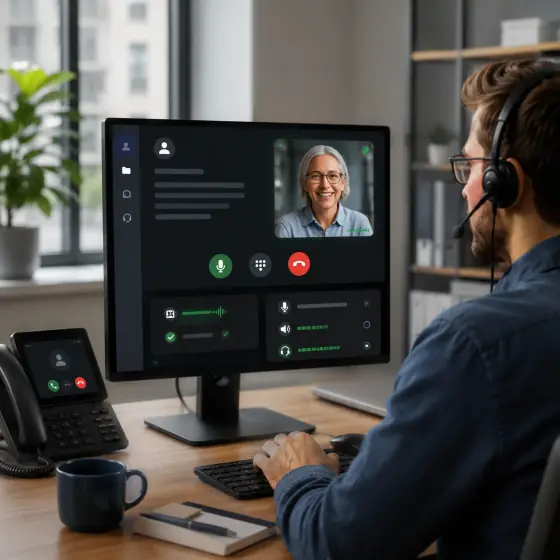 Invite sent · joined from a phoneTwo-person call
- Send the invite to your phone
- Camera, mic and screen share
- Drag your self-view anywhere
 Same moment, every screenWatch party
- Invite someone to watch with you
- Choose WebRTC or HLS delivery
- Up to eight cameras alongside the video
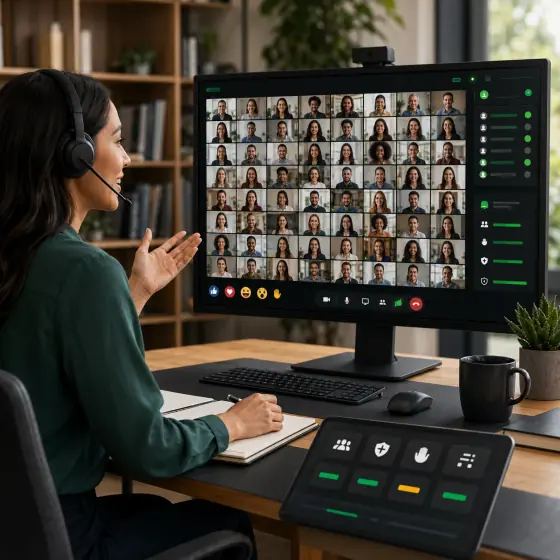 Stage live · audience on HLSStage and audience
- Talk live on the stage
- Watch the same moment as the HLS audience
- Compare the two clocks
Your team can start today.
Meet, handle calls and work with AI in ready-made workspaces, on the web, desktop and phone.
Use it with your team
- MediaSFU web appmediasfu.com/liteMeetings, calls, recordings and AI notes in your browser. The web version of the desktop and mobile apps.Sign in
- Desktop and mobile appsmediasfu.com/downloadThe same workspace on Windows, macOS, Linux, iPhone and Android.App Store Google Play Microsoft Store
- Telephony Workspacetelephony.mediasfu.comFor customer teams: support lines, queueing and day-to-day operations, on the same rooms and agents.Open Telephony
- Agents Studioagents.mediasfu.comTalk to voice and vision agents, change the prompt or provider, or try a hosted agent with no keys of your own.Open the playground
Your product. Your interface. Your stack.
Start with a complete room: video, chat, screen share and recording controls. Keep the UI, customize it or go headless as your product grows.
- Prebuilt or headlessShip the complete room UI today, or keep the room engine and draw every pixel yourself.
- Cloud or your own serverRun on MediaSFU Cloud, or point the same SDK at MediaSFU Open on your own infrastructure.
- Phone and agents on the same roomAdd a SIP number or an AI voice agent to a room through the same account and the same bill.
What teams check before they choose
- 99.99% uptime SLAWatch every service live on the status page.System status
- Room and audience sizeUp to 3,000 people interacting in one room, more with large and flexible rooms. 500K+ viewers in real time over WebRTC or WHEP, and HLS for audiences beyond that.Size your event
- 50+ languagesLive translated audio and captions, each listener in their own language.How translation works
- Your data, your serversRecordings are deleted from MediaSFU 72 hours after they complete. Kits run on your own hosting, and MediaSFU Open runs on your own infrastructure.Data and residency
- Moving from another platformSide-by-side guides for the platforms teams usually move from, plus a migration path for agencies.Compare and migrate
Your first 50,000 minutes are on us
Use the apps, embed a widget or build your next product. Your free minutes never expire, and there’s no credit card to get started.