EngageRooms, cloud phone, and embeddable widgets
MediaSFUvsVapi
Run the same voice agent for a fraction of the infrastructure bill.
Price your agent minutes side by side, then talk to a live MediaSFU agent on this page. The same agent runs on the phone, the web and in meetings, with your own AI providers.
- $0.002 per agent minute
- One agent on phone, web and meetings
- Your AI providers, billed direct
Interactive workload model
Model the workload. See the bill and what you can ship.
Start with a real scenario, then use exact minute inputs. Every result names the billing layer being compared so platform, carrier, and AI-provider costs do not get quietly mixed.
What you can buildTurn these minutes into a complete customer-contact workflow:
- Voice agents
- Human handoff
- Campaigns
- Transcripts + notes
- Web call widget
Comparison scopeAgent and audio infrastructure
Compares MediaSFU agent plus phone-audio infrastructure with Vapi hosting. Both keep model-provider costs outside this line.
Estimated infrastructure delta$958.50 lower per month$11,502 per year; 24.1x cost ratio
Add the same STT, LLM, TTS, and carrier route to both estimates. Vapi lists provider usage at cost; MediaSFU supports direct provider billing.
Make the decision with evidence: test the workflow, inspect the controls, and replace the sample volume with your own procurement assumptions.
Estimates use MediaSFU list rates and the linked Vapi published pricing available in July 2026. Review Vapi pricing. Free allowances, negotiated discounts, taxes, carrier routes, AI model choices, storage, and optional services can change the final bill. This is a transparent planning model, not a vendor quote.
Try it before you decide
Talk to a live MediaSFU agent, right here.
Four faces on one agent: a character, a phone call, a messenger and a camera concierge. It greets you, answers in real time, and you can interrupt it. About $0.002 a minute to run your own.
What the decision unlocks
Choose MediaSFU when the job is the whole communication workflow.
Use MediaSFU when one launch needs real-time rooms, phone calls, AI agents, translation, recording artifacts, widgets, and SDK control. Keep Vapi in the shortlist when a voice-agent-first stack is the main product requirement.
One connected operating modelFrom live interaction to usable output.
Launch the experience, run the workflow, retain the artifacts, and extend it with code when needed.
AutomateAI agents, campaigns, and live translation
CaptureRecordings, transcripts, notes, and summaries
ExtendSDKs, APIs, SIP, domains, and webhooks
Published starting rates
$0.10per 1K audio minutes
$0.375per 1K video minutes
$2+per 1K recording minutes
Unified launch plus developer control
Best when the product must be operated by real teams and extended by engineers.
Focused AI voice workflows
Best when that narrower center of gravity is the main buying reason.
LaunchMeetings, cloud phone, campaigns, widgets, rooms, notes, and recordings are usable without rebuilding the product surface.
ExtendSDKs, API keys, domains, SIP configs, provider keys, and webhooks remain available when engineering needs precision.
AuditCalls and sessions can produce logs, transcripts, AI notes, summaries, recordings, and downloadable artifacts.
Ask before choosing:
- Will non-developers run calls, campaigns, rooms, or notes after setup?
- Do phone, WebRTC, widgets, AI, translation, and recording need to work as one flow?
- Are you comparing total workflow cost instead of one isolated API line item?
MediaSFU advantage
The stronger comparison is the complete workflow.
Against Vapi, MediaSFU is most compelling when the buyer needs live media, phone calls, AI workflows, translation, recordings, and usable apps to work together without forcing every team into a developer-only rollout.
Launch from guided apps
Use meeting rooms, Lite Dashboard, cloud phone, AI campaigns, managed numbers, and built-in AI notes/transcripts where the plan includes managed MediaSFU services.
Keep provider and SDK control
Bring SIP providers, AI keys, widgets, domains, API keys, webhooks, and SDK integrations while still relying on MediaSFU for the room, media, telephony, and workflow surface.
01
Translated audio, not just captions
Participants can speak naturally while MediaSFU plays translated room audio. A French speaker can be heard in German, and listeners can keep or override their output language.
02
Phone, AI, and human handoff together
Inbound and outbound calling, managed numbers, AI receptionists, callback flows, and human handoff use one operating model instead of a stitched call stack.
03
A complete meeting product surface
SDK-backed meetings can include screen share, messaging, polls, whiteboard, breakout rooms, widgets, recordings, and room controls without starting from bare media primitives.
04
Recordings become review assets
Recording workflows support pause/resume, playback, transcripts, AI notes, summaries, and downloadable artifacts for review, compliance, or customer follow-up.
05
Ready apps plus developer control
Operators can use meetings, cloud phone, AI campaigns, and Lite Dashboard flows. Developers still get APIs, SDKs, webhooks, SIP configs, widgets, and provider-key control.
06
Plain SIP/PSTN stays plain
When calls do not use AI, MediaSFU positions the workload around audio infrastructure plus your carrier/provider path, not an extra WebRTC/SIP bridge billing layer.
Pricing lensAudio, video, and recording rates in readable units
Use these as MediaSFU-side inputs before comparing vendor-specific bundles, add-ons, or carrier charges.
| Workload | Dollars | Cents | 1K minutes | How to read it |
|---|---|---|---|---|
| Audio transport | $0.0001/min | 0.01¢/min | $0.10 per 1K min | Use for audio rooms and plain SIP/PSTN media transport. |
| Video transport | $0.000375/min | 0.0375¢/min | $0.375 per 1K min | Starting rate, at QnHD (320×180); SD is $0.00075/min. Add-on services are separate. |
| Recording - audio only | $0.002/min | 0.2¢/min | $2 per 1K min | Audio-only recording derived from the recording purchase factors. |
| Recording - video SD | $0.006/min | 0.6¢/min | $6 per 1K min | Baseline SD video recording minute pricing. |
| Recording - video HD/FHD/QHD | $0.012 - $0.024/min | 1.2¢ - 2.4¢/min | $12 - $24 per 1K min | HD, FHD, and QHD video recording scale by recording quality. |
From comparison to working product
Browse all live experiences See the broader MediaSFU story in context.
A rate or feature row cannot show how the pieces work together. These product-shaped experiences make the room, media, operator, audience, and integration surfaces tangible.
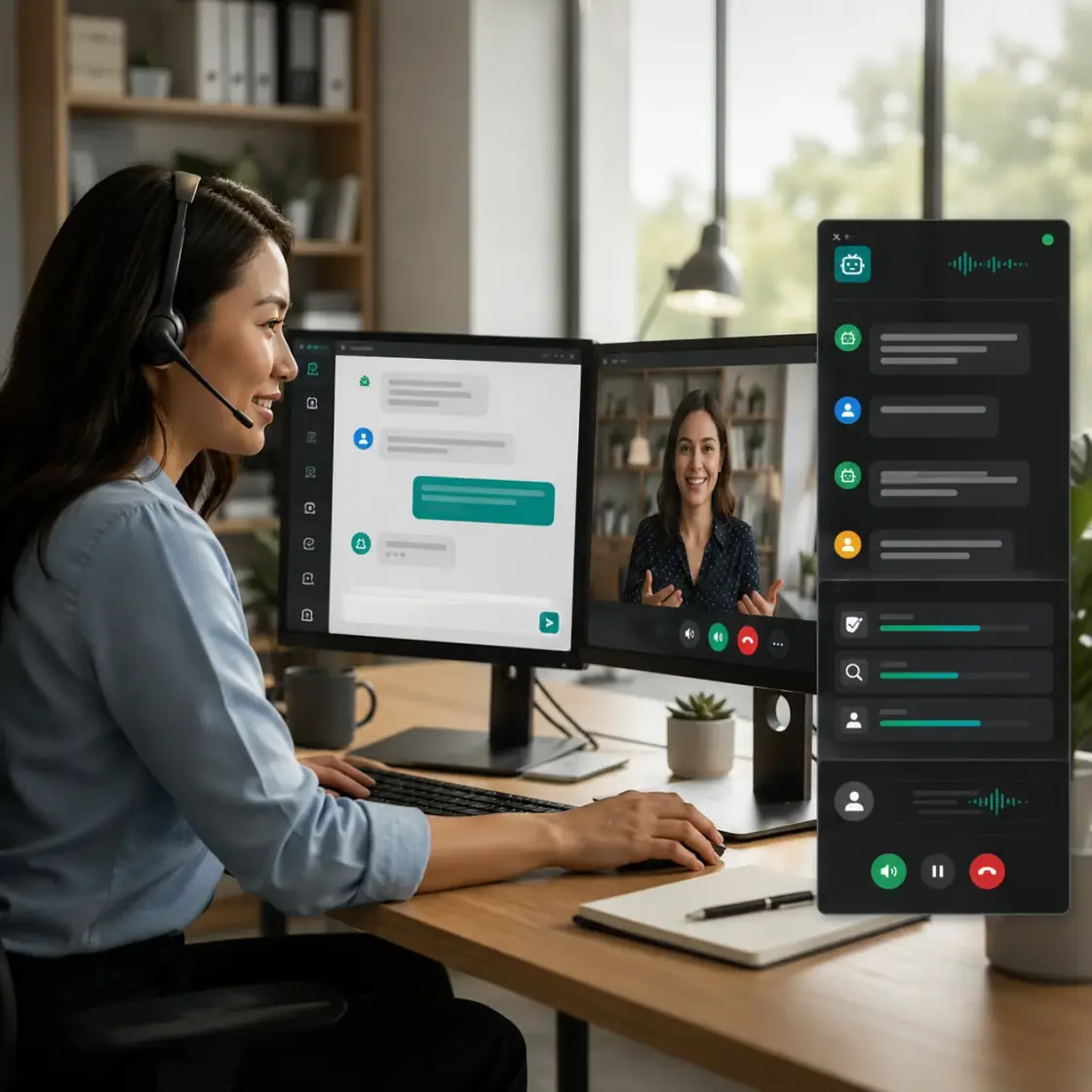 Agents + human handoff
Voice and vision agents
See provider-flexible agents, ordered realtime audio, operator controls, and a path from automation to a person.
Explore agent workflows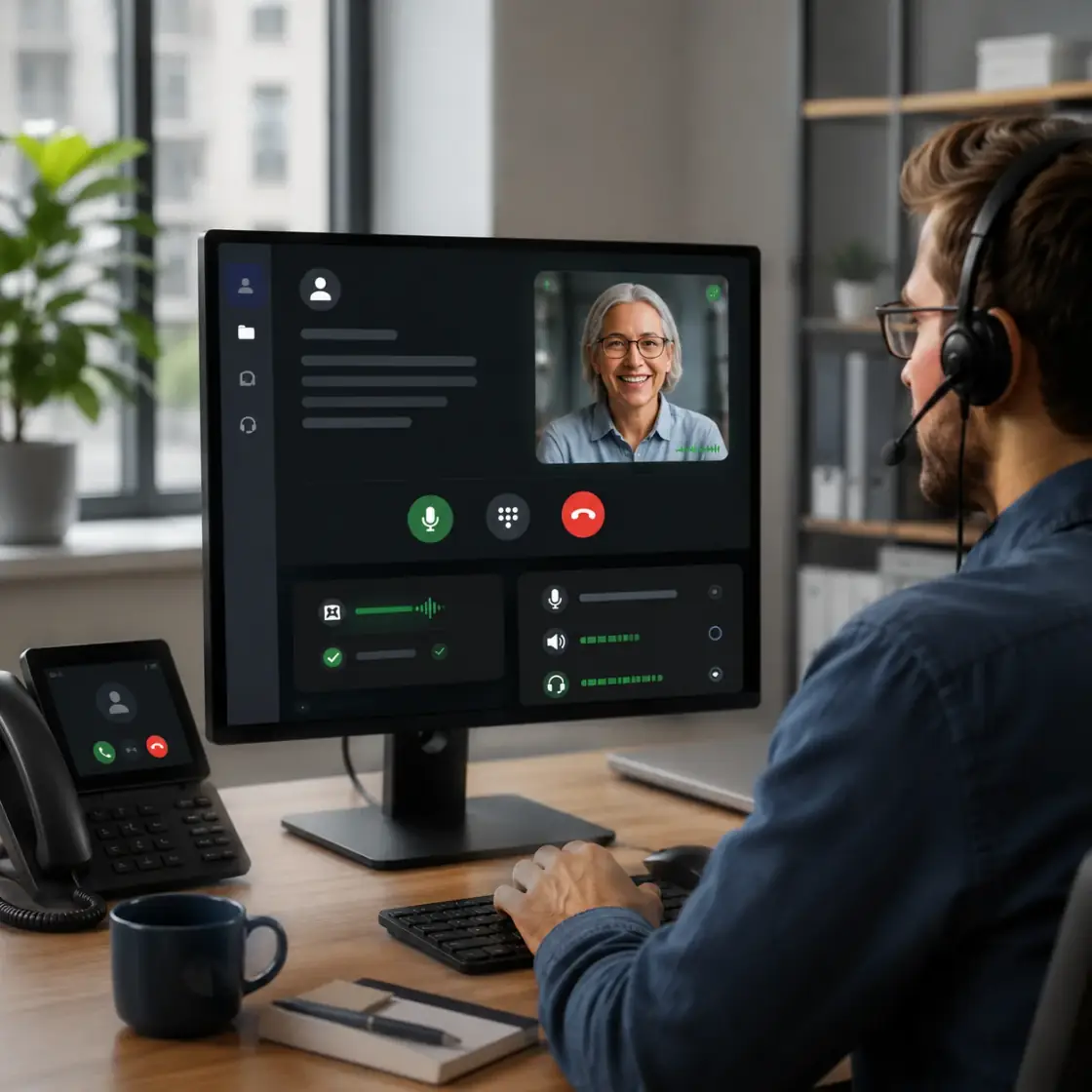 Runnable showcase
Familiar two-person calls
Inspect a polished calling experience with self and remote media, a draggable mini view, and focused call controls.
Open familiar calls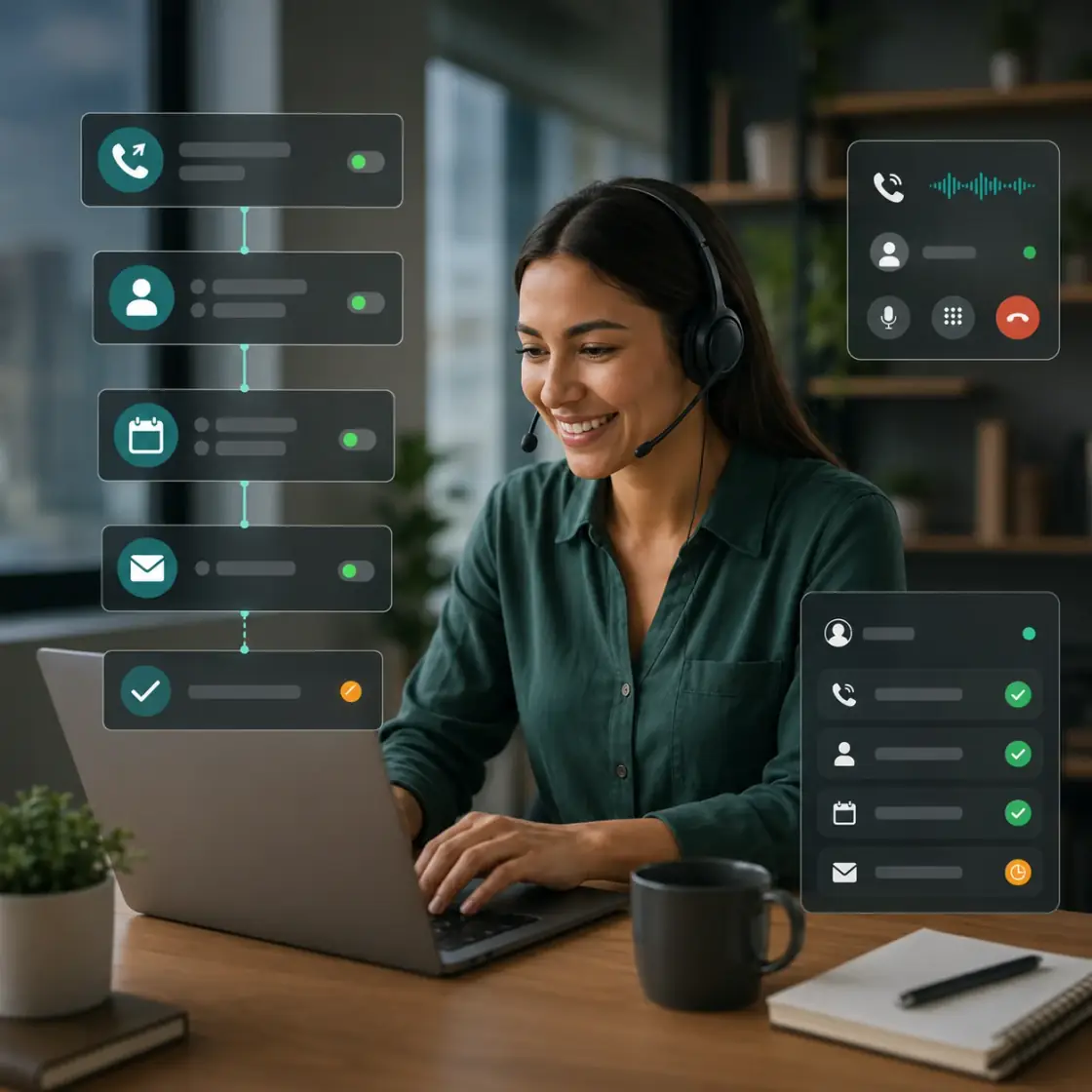 Product workflow
Cloud phone and SIP
Connect browser calls, SIP/PSTN routes, dialing state, agent automation, and person-to-person takeover in one operating path.
Explore phone and SIP| Category | MediaSFU | Vapi |
|---|---|---|
| Primary use case | Unified video, voice, AI agents, SIP/PSTN, and widgets in one platform | Voice-agent focused platform |
| Getting started | Free start options with user and developer paths | Usage-based voice stack pricing |
| Click-to-call widget | Built-in browser click-to-call with no app install | Typically requires extra integration layers |
| Real-time meetings and streaming | Included (meetings, webinar-scale viewing, and translation) | Not the core product focus |
| SIP/PSTN support | Native SIP/PSTN workflow with guides and integrations | Voice-agent path, depends on stack design |
| Widgets and no-code embeds | Multiple embeddable widgets and dashboard tooling | API-centric approach |
Assumptions behind the estimate
| Variable | Benchmark baseline | Why it matters |
|---|---|---|
| Monthly voice minutes | Representative recurring campaign volume | Use your own minute profile before purchase decisions. |
| STT/LLM/TTS provider mix | Typical production stack pricing assumptions | Final total depends on which models and vendors you select. |
| Telephony routing | Standard outbound + inbound routing assumptions | Destination, route class, and number provisioning can shift totals. |
| Platform architecture | Unified stack vs. voice-only platform composition | Bundled vs. composable stack choices affect all-in cost. |
Sources and validation links
Use these links to verify pricing and implementation details before committing budget.
6-step migration guide
Create your MediaSFU account
Start free, generate keys, and open the telephony plus agent setup paths in the dashboard.
2 to 5 minConnect STT, LLM, and TTS providers
Configure provider credentials and default models to match your existing voice-agent behavior.
5 to 10 minAttach SIP/PSTN routing
Point existing trunks or numbers to MediaSFU, then verify inbound and outbound paths.
10 to 20 minPort prompts and tool logic
Replicate prompts, tool calls, and escalation rules inside MediaSFU agent flow configuration.
15 to 30 minReconnect webhooks and analytics
Update event endpoints for transcripts, call outcomes, CRM updates, and handoff triggers.
10 to 15 minRun live acceptance tests
Test end-to-end calls and compare latency, transcript quality, and transfer behavior before cutover.
15 to 30 min
FAQ
Is MediaSFU usually cheaper than Vapi for recurring AI voice usage?
For many steady-volume workloads, yes. The total depends on your real minute profile, route destinations, and provider stack.
What does BYOK change in the cost model?
Bring-your-own-keys means you pay model providers directly and avoid additional layering in many platform pricing structures.
Can MediaSFU replace Vapi for outbound campaign workflows?
Yes. Teams commonly use MediaSFU for outbound AI calls, scripted flows, and escalation to human operators.
Does MediaSFU support SIP and PSTN integration?
Yes. MediaSFU supports SIP/PSTN setup, cloud phone paths, and telephony configuration guides.
How long does a basic migration normally take?
A straightforward baseline setup can take under an hour. Larger production migrations may take one to two days.
Can I keep my existing numbers and trunks?
In most cases, yes. Validate your provider routing and region-specific constraints during migration testing.
How should I benchmark costs accurately?
Model your own AI minutes, PSTN minutes, route mix, and provider choices, then compare both platforms using published rates.
Does MediaSFU include other surfaces beyond voice agents?
Yes. It also includes meetings, translation, widgets, and broader communication tooling.
Where can I validate current rates before procurement?
Use the linked pricing pages and docs for both vendors, then run a controlled pilot with production-like traffic.
Last updated: August 25, 2026