Build a Complete App-Owned MediaSFU UI
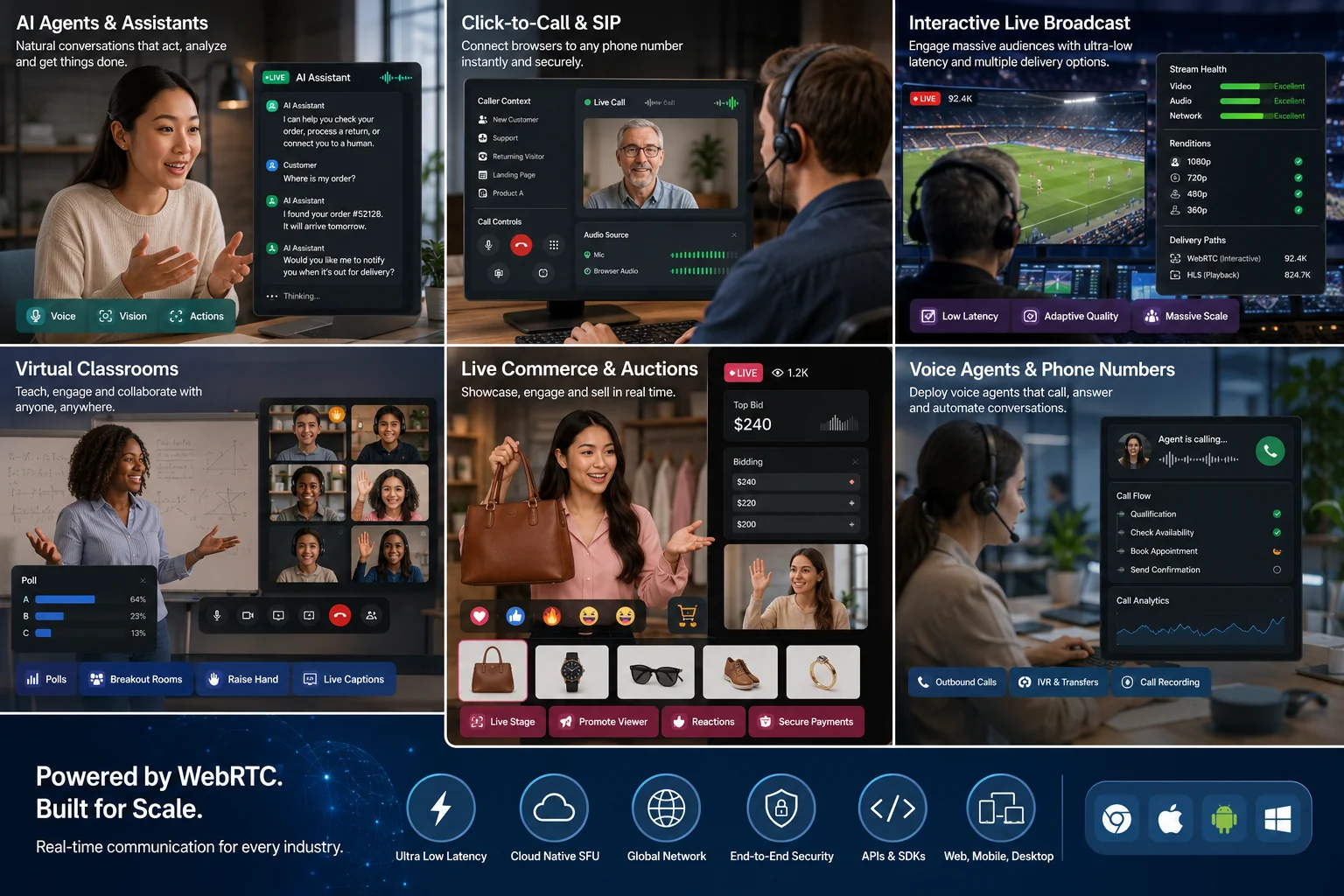
Headless MediaSFU lets your product own every visible pixel while the SDK keeps responsibility for room signaling, WebRTC transports, producers, consumers, and live room state. Use it for a familiar calling surface, classroom, live-sale stage, watch party, podcast, support workspace, or another product that should not look like a generic meeting application.
What headless means
With supplied UI, MediaSFU renders the room. With customComponent, you replace one visible workspace. With headless mode, the SDK room stays mounted invisibly and your application renders state and calls explicit actions.
Headless does not mean that you manually implement signaling, mediasoup transports, producer/consumer negotiation, or room cleanup. Keep those inside the SDK.
| You own | The SDK owns |
|---|---|
| Layout, navigation, labels, accessibility, loading and error UI | Socket lifecycle and room synchronization |
| Which participant or screen is visible | Producer and consumer lifecycle |
| Buttons and product workflows | Media, permission, transport, and room operations called by those buttons |
| App authentication and backend policy | The live parameter/state surface published to your adapter |
Choose room authority first
For fast local development, you may use a restricted, revocable development API key in an uncommitted build. Before distribution, use valid client placeholders and inject both createMediaSFURoom and joinMediaSFURoom. Each callback sends only the room payload to your authenticated backend; the backend authenticates the app user, enforces policy and rate limits, substitutes real MediaSFU credentials, and returns only the authorized result. See the backend proxy guide.
MediaSFU Open is your own running media server. You deploy, secure, monitor, and update it, then point localLink at its reachable URL. localLink does not start a server, and localhost means the user device itself.
Use the REST API Sandbox for GET/POST experiments, API Keys to create/rotate Cloud credentials, the Developer Console guide for room APIs, and MediaSFU Open for self-hosting.
Fit a room inside an embedded layout
The room container owns the viewport by default. Browser packages expose their supported fraction or dimension inputs; ReactJS passes its fractions through MainContainer, MainAspect, and MainScreen. Native applications should use the measured or explicit bounds supplied by their own layout system. In every case, the main media, participant rail, controls, and sidebars must resolve inside the same boundary.
Use the embedded room layout guide for complete ReactJS, Angular, Vue, React Native, Expo, Flutter, Compose, Apple, and Unity examples. A browser viewport fraction is not a native sizing recipe.
Make transport callbacks teardown-safe
createSendTransport is reached by camera, microphone, screen-share, and canvas/whiteboard production paths. A user can leave, disable a device, or close a room while transport creation or a socket acknowledgement is still in flight. Treat the callback as asynchronous and late-result tolerant:
- Check that the room/device is still active before attaching the returned transport or producer.
- Treat an expected closed-device, closed-transport, or late-acknowledgement result as a no-op during teardown; surface other failures to the room error UI.
- Stop tracks and dispose application-created media after the leave/end path, and do not recreate a transport from a stale parameter bag.
Apply the guard in the lifecycle your platform provides: an effect cleanup in React, ngOnDestroy in Angular, onUnmounted in Vue, dispose in Flutter, ViewModel.onCleared or DisposableEffect in Compose, and scene/object disposal in Unity. Keep the error visible unless the result is an expected late callback from an already closed room.
Seven rules that prevent broken calls
- Keep one stable headless adapter/controller for the complete room.
- Accept every parameter publication. A previously published bag becomes stale.
- Bind the SDK media-change callback. Do not add per-second polling.
- Pure reads use
getCurrentParams().getUpdatedAllParams()republishes and must not run in render/build, computed state, a watcher, or a timer. - Choose primary video in this order: active screen share, first remote camera, then local camera. Render screens unmirrored with contain sizing; cameras use cover sizing.
- Mount all prepared remote-audio entries independently of video pagination.
- Disable actions until ready, display every
{ ok, error }failure, await leave/end, and dispose media your application created.
Minimum room screen
Every implementation needs an invisible room runtime, a stable adapter that accepts parameters and media changes, a visible primary media surface, an always-mounted remote-audio surface, readiness-gated controls, and a visible error area.
| Adapter group | Use it for |
|---|---|
| Media projections | Local/remote audio and video, screen share, prepared audio components |
controls | Microphone, camera, screen share, device selection, camera flip, chat, leave |
moderation / permissions | Waiting room, requests, mute/disable/remove, co-host and role-aware UI |
session | Recording, whiteboard, polls, breakout rooms |
produce | App-created media, display capture, track replacement, stop/cleanup where supported |
latest parameters | Advanced feature not yet wrapped by the high-level adapter |
ReactJS 4.3.7
Use ModernMediasfuGeneric as the runtime and useMediasfuHeadless() as the stable adapter.
import { useState } from 'react';
import { AudioGrid, ModernMediasfuGeneric, useMediasfuHeadless } from 'mediasfu-reactjs';

export function ProductRoom() {
  const room = useMediasfuHeadless();
  const [notice, setNotice] = useState('');
  const primary = room.screenShare.stream ?? room.remoteVideos[0]?.stream ?? room.localVideo;
  async function run(action: () => Promise<{ ok: boolean; error: string }>) {
    const result = await action();
    setNotice(result.ok ? '' : result.error);
  }

  return <main>
    <ModernMediasfuGeneric
      returnUI={false}
      sourceParameters={room.sourceParameters}
      updateSourceParameters={room.updateSourceParameters}
      onMediaChanged={room.onMediaChanged}
      localLink="https://media.example.com" />
    <p>{room.ready ? 'Room ready' : room.readiness.reason}</p>
    {primary && <video
      ref={(node) => { if (node && node.srcObject !== primary) node.srcObject = primary; }}
      muted={primary === room.localVideo || room.screenShare.isLocal}
      autoPlay playsInline />}
    <button disabled={!room.ready} onClick={() => void run(room.controls.toggleMic)}>
      {room.micOn ? 'Mute' : 'Unmute'}
    </button>
    <button disabled={!room.ready} onClick={() => void run(room.controls.toggleCamera)}>Camera</button>
    <button disabled={!room.ready} onClick={() => void run(room.controls.toggleScreenShare)}>Share</button>
    <button onClick={() => void run(room.controls.leave)}>Leave</button>
    {notice && <p role="alert">{notice}</p>}
    <div className="remote-audio" aria-hidden="true">
      <AudioGrid componentsToRender={room.audioComponents} />
    </div>
  </main>;
}
Keep remote audio mounted but visually hidden, not display: none. Use room.produce for custom media, permission state before room.moderation, and room.session for recording, whiteboard, polls, and breakouts.
Angular 2.4.1
Provide one MediasfuHeadlessService at the room-screen level. Angular 2.4.1 also exports ModernMediasfuGenericHeadComponent for rendering the normal modern template from that same engine. It does not replace the engine and must not be paired with a second MediasfuGeneric instance.
@Component({
  standalone: true,
  imports: [AsyncPipe, NgIf, MediasfuGeneric, AudioGrid],
  providers: [MediasfuHeadlessService],
  templateUrl: './room.html',
})
export class RoomComponent {
  notice = '';
  constructor(public readonly room: MediasfuHeadlessService) {}
  async run(action: () => Promise<{ ok: boolean; error: string }>) {
    const result = await action();
    this.notice = result.ok ? '' : result.error;
  }
}
<app-mediasfu-generic
  [returnUI]="false"
  [sourceParameters]="room.sourceParameters"
  [updateSourceParameters]="room.updateSourceParameters"
  (mediaChanged)="room.onMediaChanged($event)" />
<p *ngIf="room.readiness$ | async as state">{{ state.ready ? 'Room ready' : state.reason }}</p>
<button [disabled]="!(room.ready$ | async)" (click)="run(room.controls.toggleMic)">Microphone</button>
<button [disabled]="!(room.ready$ | async)" (click)="run(room.controls.toggleCamera)">Camera</button>
<button (click)="run(room.controls.leave)">Leave</button>
<p *ngIf="notice" role="alert">{{ notice }}</p>
<app-audio-grid [componentsToRender]="(room.audioComponents$ | async) ?? []" />
Build primary$ from screenShare$, then remoteVideos$, then localVideo$ and bind the selected stream to one autoplaying <video>.
Vue 1.2.1
<script setup lang="ts">
import { computed, ref } from 'vue';
import { AudioGrid, ModernMediasfuGeneric, useMediasfuHeadless } from 'mediasfu-vue';
const room = useMediasfuHeadless();
const notice = ref('');
const primary = computed(() =>
  room.screenShare.value.stream ?? room.remoteVideos.value[0]?.stream ?? room.localVideo.value
);
async function run(action: () => Promise<{ ok: boolean; error: string }>) {
  const result = await action();
  notice.value = result.ok ? '' : result.error;
}
</script>

<template>
  <ModernMediasfuGeneric
    :return-u-i="false"
    :source-parameters="room.sourceParameters"
    :update-source-parameters="room.updateSourceParameters"
    @media-changed="room.onMediaChanged" />
  <p>{{ room.ready.value ? 'Room ready' : room.readiness.value.reason }}</p>
  <button :disabled="!room.ready.value" @click="run(room.controls.toggleMic)">Microphone</button>
  <button :disabled="!room.ready.value" @click="run(room.controls.toggleCamera)">Camera</button>
  <button @click="run(room.controls.leave)">Leave</button>
  <p v-if="notice" role="alert">{{ notice }}</p>
  <AudioGrid :components-to-render="room.audioComponents.value" />
</template>
Bind primary with a directive/component that assigns video srcObject; a browser MediaStream is not a URL string.
React Native 2.4.5
The React Native adapter has the same state/action groups. Render the selected stream with RTCView and keep AudioGrid mounted.
const room = useMediasfuHeadless();
const primary = room.screenShare.stream ?? room.remoteVideos[0]?.stream ?? room.localVideo;

<>
  <ModernMediasfuGeneric
    returnUI={false}
    sourceParameters={room.sourceParameters}
    updateSourceParameters={room.updateSourceParameters}
    onMediaChanged={room.onMediaChanged} />
  {!!primary && <RTCView streamURL={primary.toURL()} objectFit="cover" style={{ flex: 1 }} />}
  <AudioGrid componentsToRender={room.audioComponents} />
</>
Use contain sizing/no mirroring for screen share. Test audio routing, Bluetooth, foreground/background, and permissions on physical Android and iOS devices.
Expo 2.5.5
Use the React Native pattern with mediasfu-reactnative-expo in an Expo development build. Expo Go cannot host every native WebRTC and screen-capture requirement. Configure permissions, inject both backend room callbacks, and verify microphone, camera, audio playback, and screen share on two real devices.
Flutter 2.3.6
MediasfuHeadlessController accepts every publication and exposes resolved media. Keep ModernMediasfuGeneric mounted with returnUI: false.
final controller = MediasfuHeadlessController();

ModernMediasfuGeneric(
  options: ModernMediasfuGenericOptions(
    returnUI: false,
    updateSourceParameters: controller.updateSourceParameters,
    noUIPreJoinOptionsJoin: JoinMediaSFURoomOptions(
      action: 'join', meetingID: roomId, userName: displayName,
    ),
  ),
)
Inside AnimatedBuilder, select controller.screenShare.stream, then the first remote video, then local video. Render with CardVideoDisplay; use contain/no mirror for screens. Mount every widget from getAudioGridComponents(controller.parameters!.getCurrentParams()). Gate controls with controller.ready, wrap media actions in runMediaControl, show the error, and await leaveRoom.
Android 1.0.7
Use the high-level MediaSFU Kotlin/Compose SDK for room workflows and app-owned UI. The separate mediasoup-client package is a low-level transport dependency, not another MediaSFU room SDK. Immutable headless snapshots cover readiness, participants, media handles, permissions, recording, polls, breakouts, whiteboard, devices, and session extras. The current controller directly exposes snapshot reads, permission checks, participant moderation, local-media preparation, participant-media resolution, and disconnect. Recording, poll, breakout, and whiteboard actions remain in the wider room/UI method layer; a snapshot capability flag does not turn them into controller actions.
Kotlin Multiplatform 1.0.7
Share the engine, immutable snapshots, and supported controller actions from common code; render with each target UI. The current common headless controller does not expose semantic host end or host leave-without-ending. Keep those controls unavailable unless your application binds a separately verified room method. Platform capture permissions, audio routing, and final cleanup stay in the platform layer.
Swift and Apple platforms 0.1.3
The current Apple package provides the documented hosted-room bridge rather than the typed headless controller used by the React, Flutter, and Kotlin examples above. Keep SwiftUI/UIKit navigation, permissions, audio-session configuration, observers, and dismissal cleanup in the application. If the product requires a fully app-owned renderer, confirm the required public Apple bridge capabilities before choosing this path.
Unity 0.1.0-preview.2
The high-level Unity package exposes immutable room/readiness/participant/track, poll, recording, breakout, whiteboard, waiting/request/settings state and action delegates. Viewer, HLS, and device-enumeration limitations are explicit. The scene owns renderers, controls, errors, and transitions; keep the facade alive until leave/end completes.
Shared core 1.2.5
mediasfu-shared provides framework-neutral TypeScript headless state, media resolution, actions, moderation, session, and production contracts. It renders nothing. Framework packages should consume it instead of copying room logic.
If the recording must reproduce an app-owned composition, use the custom recording scene contract. It is a backend-enabled application contract rather than a hidden capability of the headless facade; ordinary recording support does not imply custom-scene attachment or mutation delivery.
Product patterns
| Product | Primary media rule | Extra state/actions |
|---|---|---|
| Familiar chat call | Screen, active remote, local preview | Call status, compact controls, message/contact context |
| Classroom | Teacher/share spotlight, student gallery | Raise hand, requests, polls, breakouts, whiteboard |
| Live sale/auction | Host/product stage, buyer thumbnails | Chat, reactions, moderation, timed product/bid state |
| Podcast | Active speaker/guest focus | Recording state, audio routing, producer indicators |
| Watch party | Shared content with participant strip | Synchronized product state, chat, reactions |
| Support/agent workspace | Customer or shared screen | CRM context, handoff, recording policy, supervisor actions |
Failures your UI must explain
| Symptom | Likely cause | Recovery |
|---|---|---|
| Control does nothing | Room not ready or policy refused it | Disable until ready; show action error |
| Remote video stays black | Gated on muted, old bag retained, or media change ignored | Attach immediately, accept newest bag, bind media changes |
| Some people are silent | Audio paginated/unmounted with video | Mount every prepared audio entry |
| Shared screen is unreadable | Camera cover/mirror rules used | Use contain and no mirror |
| Duplicate/self tile | Hand-written stream matching | Use SDK media projections |
| Create works but join leaks key | Only one callback overridden | Override/test both callbacks |
| Room survives navigation | Leave not awaited or owned tracks remain | Await leave/end, stop tracks, then unmount |
Two-participant verification
Use two devices or browser contexts; a successful build is not media proof.
- Create through the backend proxy and join as a second user.
- Confirm participant lists, microphone audio, camera video, and screen share both ways.
- Move a participant off the visible video page and confirm audio continues.
- Exercise permission denial, device loss, network interruption, and rejoin.
- Exercise allowed and denied host/co-host actions.
- Leave as participant, then host; verify tracks, transports, listeners, and UI clear.
- Inspect logs, screenshots, bundles, and source maps for credentials.
Release checklist
- Backend authentication, allowlisting, rate limits, and credential substitution are tested.
- Both room callbacks send payload only; MediaSFU Open URLs reach a running server.
- Loading, empty, denied, failed, reconnecting, and ended states are visible.
- All remote audio stays mounted; screen and camera rules differ correctly.
- Controls are readiness/permission gated and every action failure is visible.
- Physical-device/platform permission and lifecycle tests pass.
- App-created media is stopped and leave/end is awaited before navigation.
- A real two-participant call passes.
Next: secure backend proxy, media lifecycle, leave, end, and rejoin, embedded room layout, custom UI runtime checklist, and recipes.