Build a remote podcast studio
A recorded conversation between a host and guests in different places. Guests check their mic before they go on, the host starts and stops the recording, and the files are ready to fetch afterwards, with AI notes if you want them.
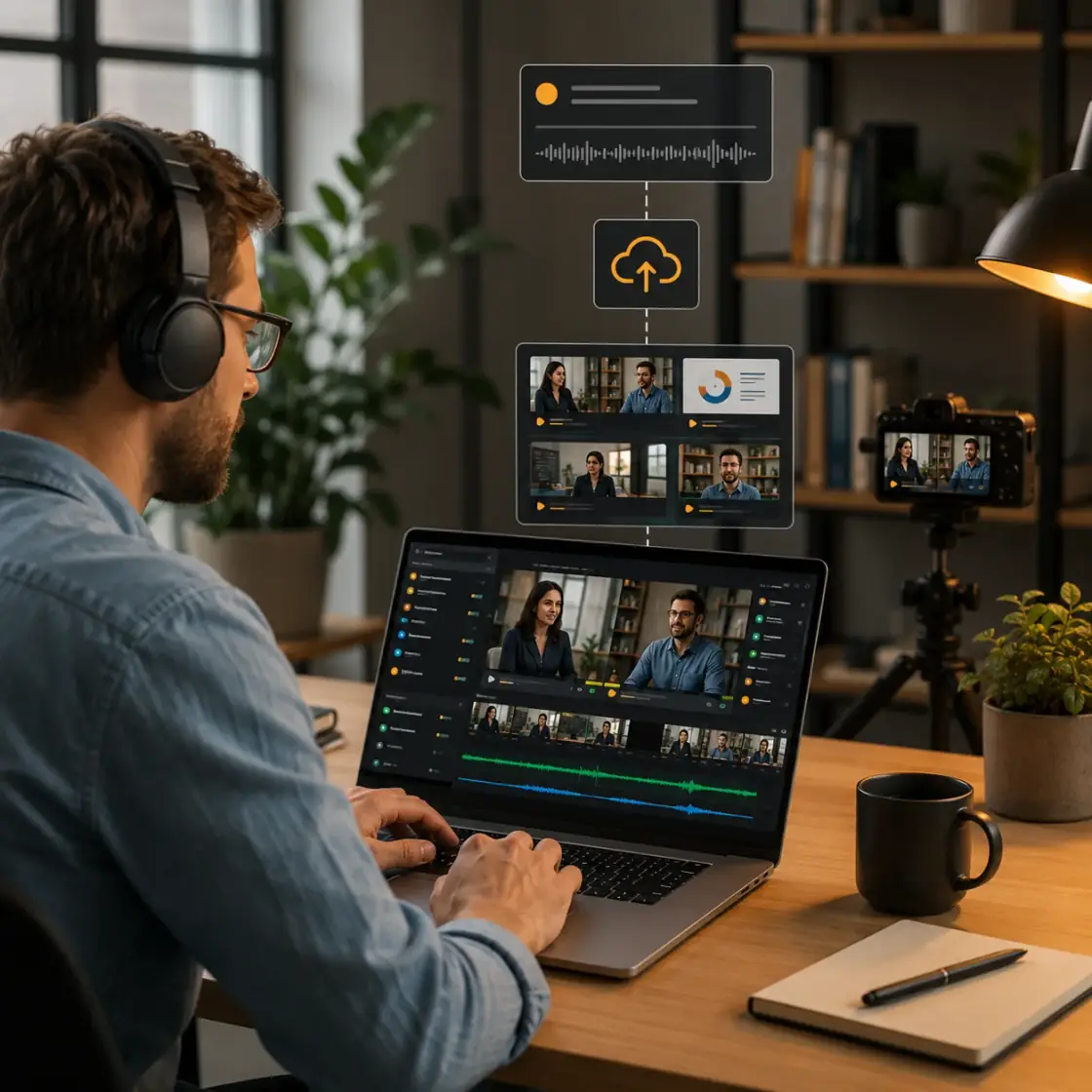
- Audio, video or both
- recorded in the cloud, landscape or portrait
- Recording-only rooms
- when nobody needs to watch live
- 1 request
- lists the finished recordings
How it fits together
- Your serverBooks the sessionCreates the room with recording turned on.
- GuestsCheck inTest mic and camera before they join the conversation.
- HostRecordsStarts, pauses and stops the recording from the room.
- MediaSFUDelivers the filesYour server lists and fetches them when the session ends.
What MediaSFU handles
| You need | MediaSFU gives you | Read |
|---|---|---|
| Guests who sound right before you record | A pre-join screen with device selection and preview | Devices by SDK |
| Clean audio from home setups | Server-side audio denoising | Audio denoising |
| A recording the host controls | Cloud recording started, paused and stopped from the room | Recording settings API |
| The episode layout, not just the call | Recording of your own custom interface | Record your custom interface |
| Files when it's over | A list of recordings per room | Recordings API |
| Show notes | AI notes from the conversation | Event settings API |
Set it up
-
Create the session from your server with recording on. For an audio-only show, set
recordingVideoSupporttofalse:curl -X POST https://mediasfu.com/v1/rooms \
-H "Content-Type: application/json" \
-H "Authorization: Bearer $MEDIASFU_API_USERNAME:$MEDIASFU_API_KEY" \
-d '{"action":"create","userName":"host","duration":90,"capacity":4,"eventType":"conference","recordingParams":{"recordingAudioSupport":true,"recordingVideoSupport":true,"recordingPreferredOrientation":"landscape"}}' -
Let the host and guests join from your app (below). The host starts the recording once everyone sounds right. Keep the API key on your server (Secure backend).
-
When the session ends, list the recordings for that room:
curl "https://mediasfu.com/v1/recordings?action=get&name=ROOM_NAME" \
  -H "Authorization: Bearer $MEDIASFU_API_USERNAME:$MEDIASFU_API_KEY"
Replace
ROOM_NAMEwith theroomNamefrom step 1.
To record every session the same way, set the defaults once with the recording settings API.
Build it in your SDK
- ReactJSComplete tutorial
- AngularComplete tutorial
- VueComplete tutorial
- React NativeComplete tutorial
- ExpoComplete tutorial
- FlutterComplete tutorial
- AndroidComplete tutorial
- Kotlin MultiplatformStart from the SDK starter
- Swift / AppleStart from the SDK starter
- UnityComplete tutorial
- Shared coreComplete tutorial
Check it works
- Join as the host and as a guest, each with headphones.
- Confirm you hear each other clearly, then start recording.
- Talk for a minute, pause, resume, then stop.
- End the session and find the recording in the list from step 3.
Go further
- Record your custom interface: record your branded episode layout.
- Stream from OBS: bring a studio mixer into the session.
- HLS broadcast: stream the recording session live.